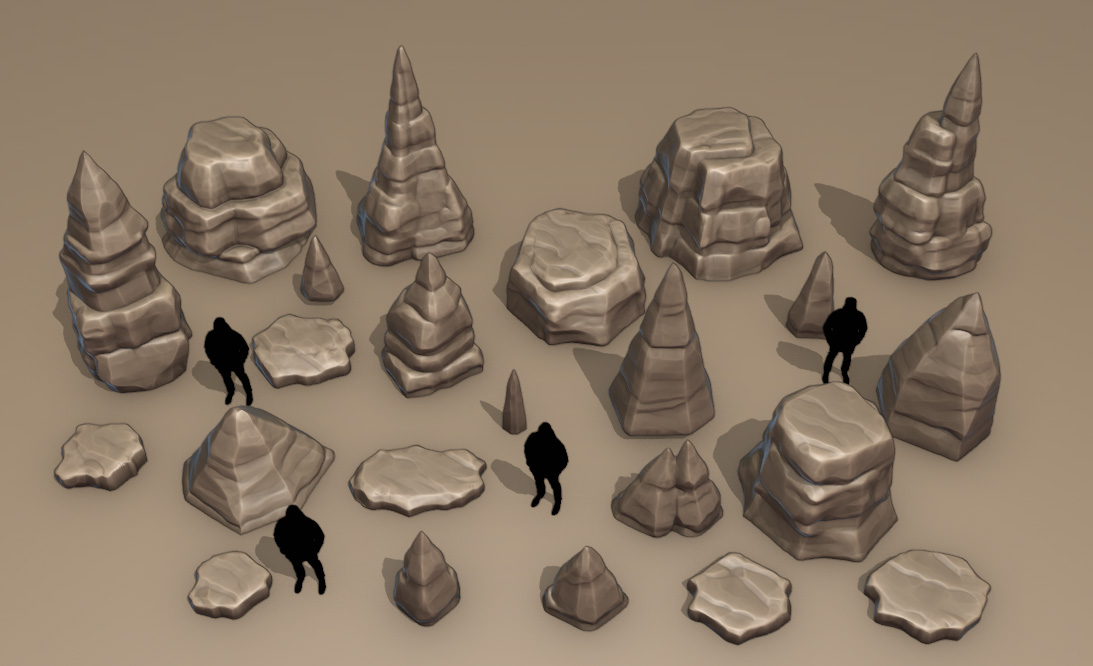
When I create environments I often end up having big zoo files where I see many of my pieces at once. It is good to be able to see many assets together, but I often end up struggling to remember what asset belongs to what set. I try organizing them by collections, but the pure visual chaos disorients me. Then I saw this video and I just knew what I had to do.
That is why I created a very small tool – Annotation Box. It is a simple geometry nodes set-up that allows you to create simple boxes dynamically and assign some text. Nothing fancy, but it helps me to visually organize my assets and know from a glance what assets belong to what set. Simply drop it in the scene, use the gizmos to adjust the size, input a name it voilà!
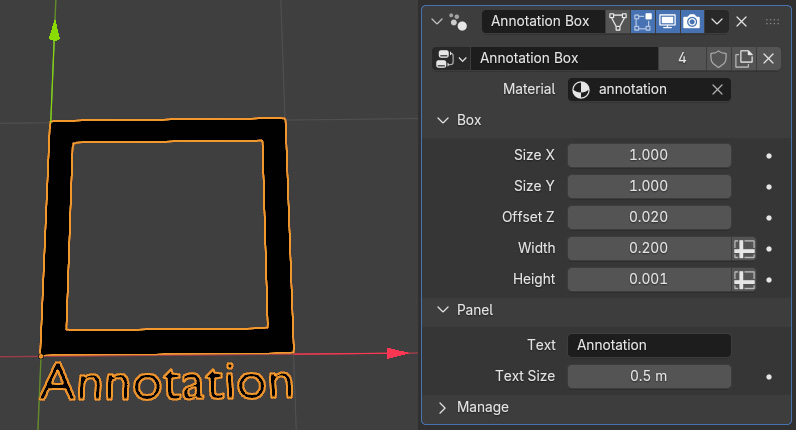
Additionally I added the possibility to choose the width (thickness) of the box, an offset from the ground (if you have a ground plane so it does not get hidden) and text size.
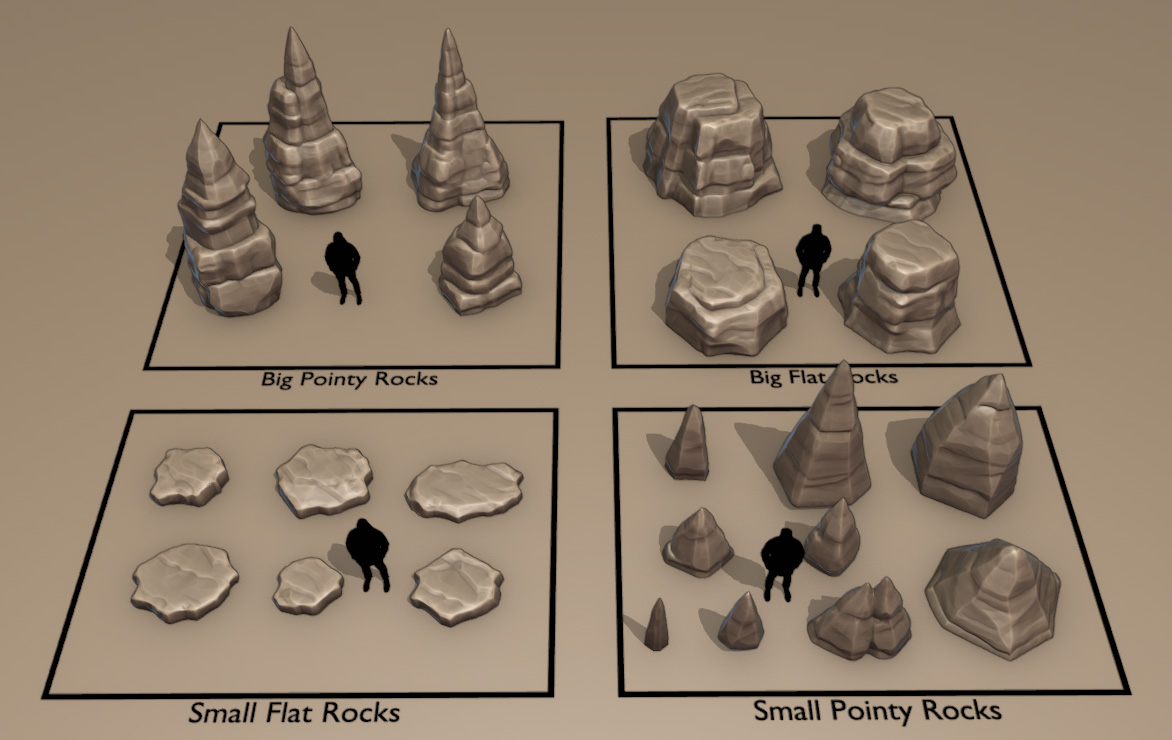
Of course that does not remove the need for collections and groups. But it helps me to visually organize my scenes and know what is happening from a simple glance. You can download the box here. Just drop the file in your asset libraries folder.
Thank you for watching!